


Building Topic Clusters That Everyone Can Read: Aligning Content-Led SEO with Website Accessibility

We believe that when a nonprofit or an association builds a digital platform, they are building a modern public square. These digital spaces are where communities gather to find resources, advocate for change, and access services that fundamentally impact their lives. As marketing leaders and decision-makers in these mission-driven organizations, we spend countless hours mapping out content, analyzing search trends, and building elaborate digital journeys designed to capture attention and serve our communities. But a profound disconnect happens when we invest heavily in driving traffic to our platforms, only to leave the front door locked for millions of users because we neglected website accessibility.
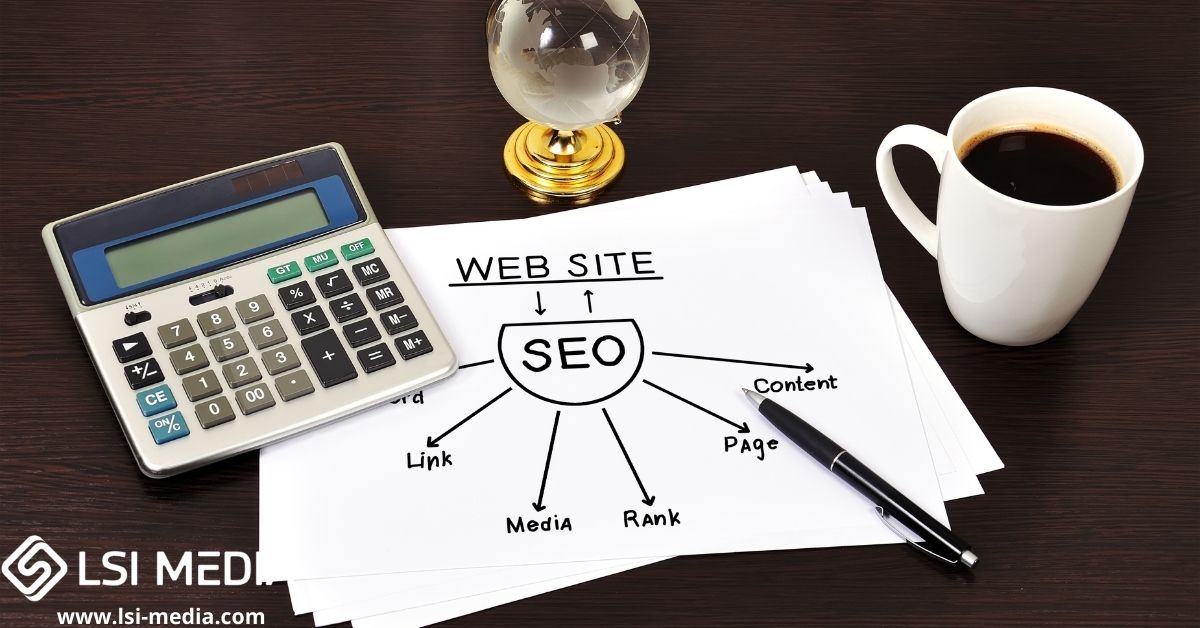
In the digital landscape, the most effective way to build organic search authority is through content-led SEO—specifically, the topic cluster model. You identify a core theme relevant to your mission, build a comprehensive pillar page, and surround it with deep-dive articles that interlink seamlessly. It is a brilliant strategy for growth. However, ranking highly for organic search terms only translates to meaningful engagement if that clustered content is functionally readable and navigable by all users. If your carefully structured topic cluster cannot be navigated by a screen reader, or if your embedded media lacks captions, your mission is inadvertently excluding the very people it aims to serve.
We are going to bridge the gap between high-performing search strategies and inclusive digital design. By understanding the mechanical overlap between how search engines crawl your site and how assistive technologies read it, we can build digital experiences that drive growth, increase operational efficiency, and welcome everyone into the conversation.
The Mechanical Overlap Between SEO and Website Accessibility
To understand why content-led SEO and website accessibility must operate in tandem, we first need to look at how they function at the foundational level of your website’s code. Many marketing directors view search engine optimization and digital accessibility as two entirely separate disciplines—often managed by different teams working in isolation. SEO is treated as a marketing initiative, while accessibility is frequently viewed strictly as an IT or compliance requirement.
This siloed thinking is inefficient and ultimately harms your return on investment. The reality is that search engine crawlers (like Googlebot) and assistive technologies (like screen readers) navigate your website in remarkably similar ways. Neither can “see” the visual layout of your page. They do not care about your brand colors, the aesthetic curves of your graphic design, or the visual placement of your sidebar. Instead, both rely entirely on the underlying semantic HTML structure to understand the context, hierarchy, and meaning of your content.
When you build a topic cluster, you are signaling to search engines that you have comprehensive authority on a specific subject. You do this through a network of internal links and structured pages. But if the code behind that structure is inaccessible, the user journey breaks down immediately upon arrival. A user with a visual impairment, a cognitive disability, or limited motor function will experience a site that is disorganized, unnavigable, and frustrating. High bounce rates send negative engagement signals back to search engines, ultimately undermining the very SEO rankings you worked so hard to achieve.
Why Topic Clusters Break Down Without WCAG 2.1 AA Conformance
The Web Content Accessibility Guidelines (WCAG) 2.1 AA standard is the internationally recognized benchmark for digital accessibility. It provides a structured framework for ensuring content is perceivable, operable, understandable, and robust. Let us examine exactly how the mechanics of a topic cluster fall apart when WCAG 2.1 AA standards are ignored.
The Misuse of Heading Structures
In a well-designed topic cluster, your pillar page acts as the definitive guide on a subject. It is usually long-form content, broken up by various headings. From an SEO perspective, headings (H1, H2, H3, etc.) tell search engines what each section is about.
From an accessibility perspective, headings are even more critical. Users navigating with screen readers rarely read a long webpage from top to bottom. Instead, they use keyboard shortcuts to pull up a list of the page’s headings, skipping to the section that answers their specific question. If your creative team has chosen heading tags based on visual sizing rather than logical hierarchy—for example, using an H3 simply because the font size looks better than an H2, skipping hierarchical levels in the process—the screen reader user receives a broken, illogical map of your content.
A properly structured pillar page ensures that the H1 is the main title, H2s dictate major themes, and H3s break down sub-topics. This logical progression satisfies both the search engine’s need for context and the disabled user’s need for clear navigation.
The Problem with Ambiguous Internal Linking
The defining feature of a topic cluster is the internal link. Spoke articles must link back to the hub, passing authority and guiding the user journey. Marketers often fall into the trap of using ambiguous anchor text like “click here,” “read more,” or “learn more.”
For a screen reader user, this is a navigational dead end. Screen reader users can generate a list of all the links on a page to navigate quickly. If that list reads “click here, click here, read more, click here,” the user has absolutely no context for where those links go. Furthermore, search engines use anchor text to understand the topic of the destination page. By replacing “click here” with descriptive anchor text like “read our complete guide to community advocacy programs,” you simultaneously satisfy a WCAG 2.1 AA requirement and optimize your internal linking structure for SEO.
Inaccessible Media and the Pillar Experience
Modern content clusters are rarely just text. They include rich multimedia to increase time-on-page and engagement. You might embed an explainer video, a kinetic typography animation, or an infographic detailing your association’s impact.
If those videos do not feature closed captions and downloadable transcripts, or if those infographics lack descriptive alternative text (alt text), you are creating a digital barrier. Alt text is a perfect example of synergy: it tells a visually impaired user what the image conveys, while simultaneously telling Google Image Search what the file contains. When accessibility is an afterthought, these elements are routinely missed, resulting in a fractured user experience and lost search visibility.
The True Cost of Inaccessibility for Nonprofits and Associations
For nonprofits, associations, and government public-sector clients, the stakes of website accessibility go far beyond simple compliance or search engine rankings. The core of your work is outreach, education, and service delivery.
If a commercial business has an inaccessible website, they lose a sale. If a nonprofit has an inaccessible website, an individual in need might lose access to critical community resources, grant applications, or advocacy tools. We know that digital exclusion disproportionately affects vulnerable populations. When your content is inaccessible, it represents a direct failure of the organization’s mission to serve the public equitably.
Furthermore, from an operational standpoint, bolting accessibility on after the fact is a massive drain on resources. We see organizations launch entirely new WordPress websites or massive content initiatives, only to realize months later that they are completely out of compliance with Section 508 or WCAG 2.1 AA standards. They then have to hire external auditors, rewrite code, redesign brand systems, and retroactively remediate hundreds of documents. It is a costly, frustrating cycle that exhausts time-poor marketing directors and drains budgets that should be directed toward program management.
Breaking the Silos: Our Methodology for Inclusive Digital Media
At LSI Media, we recognized early on that the traditional agency model—where creative and technical work are handled by separate teams working in silos—is fundamentally broken. When the graphic designers are not talking to the SEO specialists, and neither is talking to the compliance experts, the end product is destined to fail either in search rankings, user experience, or accessibility.
Founded in 2012 by Idris and Sabine Grant, LSI Media was built on a simple but powerful idea: the exact same discipline that goes into modernizing a government program or fixing a broken business process applies just as well to building a website or a brand system. As a minority-owned digital agency and business consultancy based in Leesburg, Virginia, we operate two connected practices. We bring rigorous project and portfolio management discipline to our full-service digital media work.
This matters deeply when building topic clusters. Because we do not treat accessibility as an afterthought, we build WCAG 2.1 AA conformance and SEO into the WordPress development process from day one. Our founders, along with additional team members, hold the rigorous Department of Homeland Security (DHS) Trusted Tester certification. This means our approach to accessibility is not based on automated overlays or guesswork; it is rooted in strict, documented testing methodologies designed for high-stakes government and public-sector environments, which we apply to our commercial and nonprofit clients alike.
A Practical Framework for Building Accessible Content Clusters
If you are a marketing director or an executive looking to scale your organic reach without compromising your organization’s commitment to inclusivity, you need a systematic approach. Here is a workable framework for aligning your SEO content strategy with website accessibility.
Step 1: Conduct a Unified Digital Audit
Before launching a new topic cluster, evaluate your existing foundation. Do not audit for SEO and accessibility separately. Review your core landing pages to ensure that they are semantically structured, load quickly, and can be navigated entirely via a keyboard. If a user cannot tab through your navigation menu, drop-downs, and forms without a mouse, your site is functionally broken for a significant portion of the population.
Step 2: Enforce Semantic Content Creation
Content writers and marketing teams must be trained in semantic formatting. Create a standard operating procedure (SOP) for all new blog posts and pillar pages that mandates:
- A single, descriptive H1 tag per page.
- A strictly hierarchical use of H2, H3, and H4 tags.
- Descriptive, keyword-relevant anchor text for all internal links.
- High-quality alt text for all informative images (and proper null tagging for purely decorative images so screen readers skip them).
Step 3: Remediate Documents and PDFs
Nonprofits and associations frequently rely on PDFs for annual reports, white papers, and detailed policy briefs. These documents are often linked within topic clusters as high-value resources. However, a PDF exported directly from standard design software without proper tagging is completely invisible to a screen reader.
Document accessibility is a critical, often overlooked component of the digital experience. Section 508 testing and remediation must be applied to all downloadable collateral. If you are linking to a PDF from a highly optimized pillar page, that PDF must feature proper reading orders, tagged headings, and defined language attributes.
Step 4: Integrate Accessible Media Production
If your strategy includes video—such as campaign-specific pieces, company overviews, or animated content—accessibility must be factored into the production timeline. At LSI Media, our video creation services include ensuring that kinetic typography and explainer videos meet contrast requirements and are paired with the necessary captions and transcripts required for full WCAG conformance. Never upload a video to your pillar page without these elements in place; search engines index transcripts to better understand your video content, providing a dual benefit.
Leveraging AI Automation for Content Accessibility
As marketing leaders look to scale their operations, AI automation has become a central focus. However, AI must be implemented with strategic discipline to be effective.
We help organizations put AI to practical use through comprehensive AI audits. In the context of content marketing and accessibility, AI can be a powerful ally. Automations can be built to scan your existing topic clusters, flagging missing alt text, broken link structures, or contrast errors. AI can also assist in generating initial drafts of video transcripts or suggesting descriptive anchor text based on the destination page’s content.
But a critical distinction remains: AI can identify opportunities and generate initial solutions, but human expertise is required for true compliance. Automated accessibility overlays and AI checkers cannot fully interpret the contextual meaning of an image or navigate complex dynamic forms the way a human user does. This is why our consulting side identifies the opportunities and builds the business case for AI, while our DHS Trusted Tester certified experts ensure the final delivery is flawlessly compliant and structurally sound.
Establishing Sustainable Social Media Management
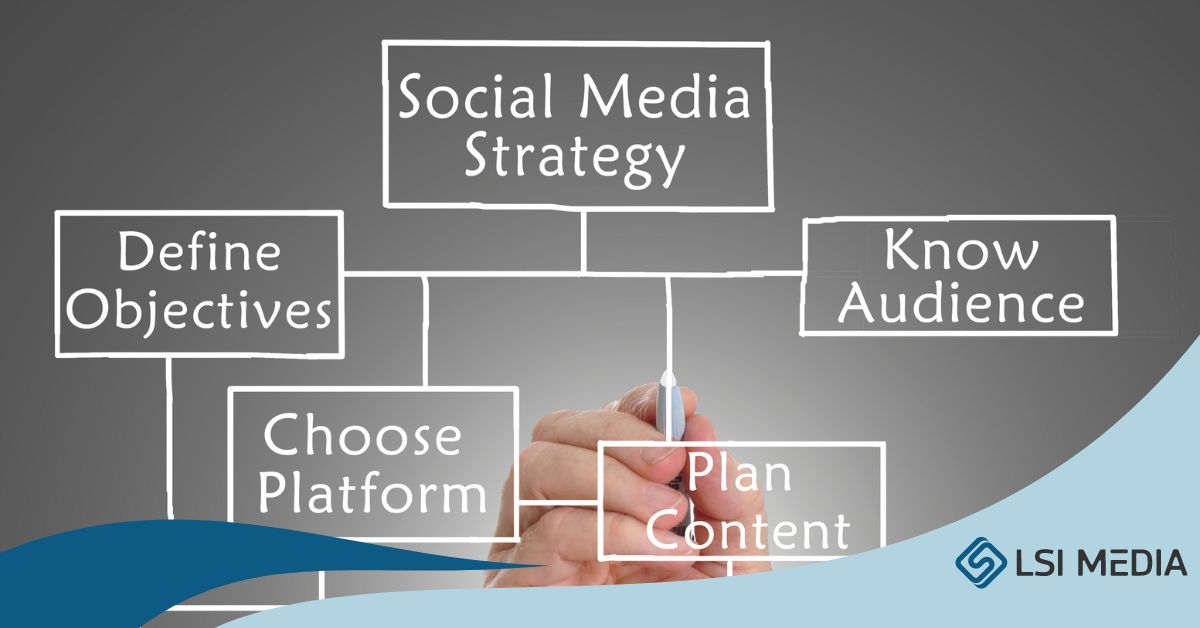
Your topic clusters do not exist in a vacuum; they must be distributed. For most associations and nonprofits, social media is the primary vehicle for driving initial awareness to pillar pages.
Accessibility must extend to your social channels. Ongoing social strategy and day-to-day management require a commitment to inclusive practices. This means utilizing camel case in hashtags (e.g., #WebsiteAccessibility rather than #websiteaccessibility) so screen readers pronounce the words correctly. It means adding custom alt text to images posted on LinkedIn, X, and Instagram, and ensuring that any graphic design collateral—from brand guides to campaign graphics—maintains strict color contrast ratios.
Effective social media management is not a series of one-off campaigns; it is an ongoing practice built around a content calendar and a consistent posting strategy. When that strategy inherently includes accessibility best practices, you build a brand reputation that is genuinely welcoming to all community members.
The ROI of Doing It Right the First Time
We understand the pressures that marketing directors and organizational leaders face. You are tasked with doing more with less, driving growth, maintaining compliance, and serving your mission. It can feel overwhelming to keep up with the rapid evolution of digital marketing, search engine algorithms, and accessibility legislation.
But treating accessibility and SEO as opposing forces—or treating accessibility as a secondary chore to be handled by the IT department eventually—is a guaranteed way to waste time and resources. When you integrate WCAG 2.1 AA accessibility and SEO into the process from day one, you build digital assets that are robust, sustainable, and highly effective. You create a website that search engines love to index and that every single user, regardless of their physical or cognitive abilities, can navigate with ease.
The discipline required to modernize a government program is the same discipline required to execute a flawless digital strategy. It requires planning, rigorous testing, and a refusal to work in silos. By bringing real project management discipline to creative work, you ensure that your topic clusters perform exactly as intended: as powerful hubs of information that serve the entirety of your community.
We are committed to helping organizations bridge this gap. We invite you to join the conversation and look critically at how your content serves your audience. Whether you need a comprehensive AI audit to identify automation opportunities, ongoing social media management, or a full website design built on accessible WordPress frameworks, we are here to help. Explore our services to see how we blend business consultancy with full-service digital media to move your mission forward.
© LSI Media LLC