



Does Web Accessibility Really Affect My Search Rankings?
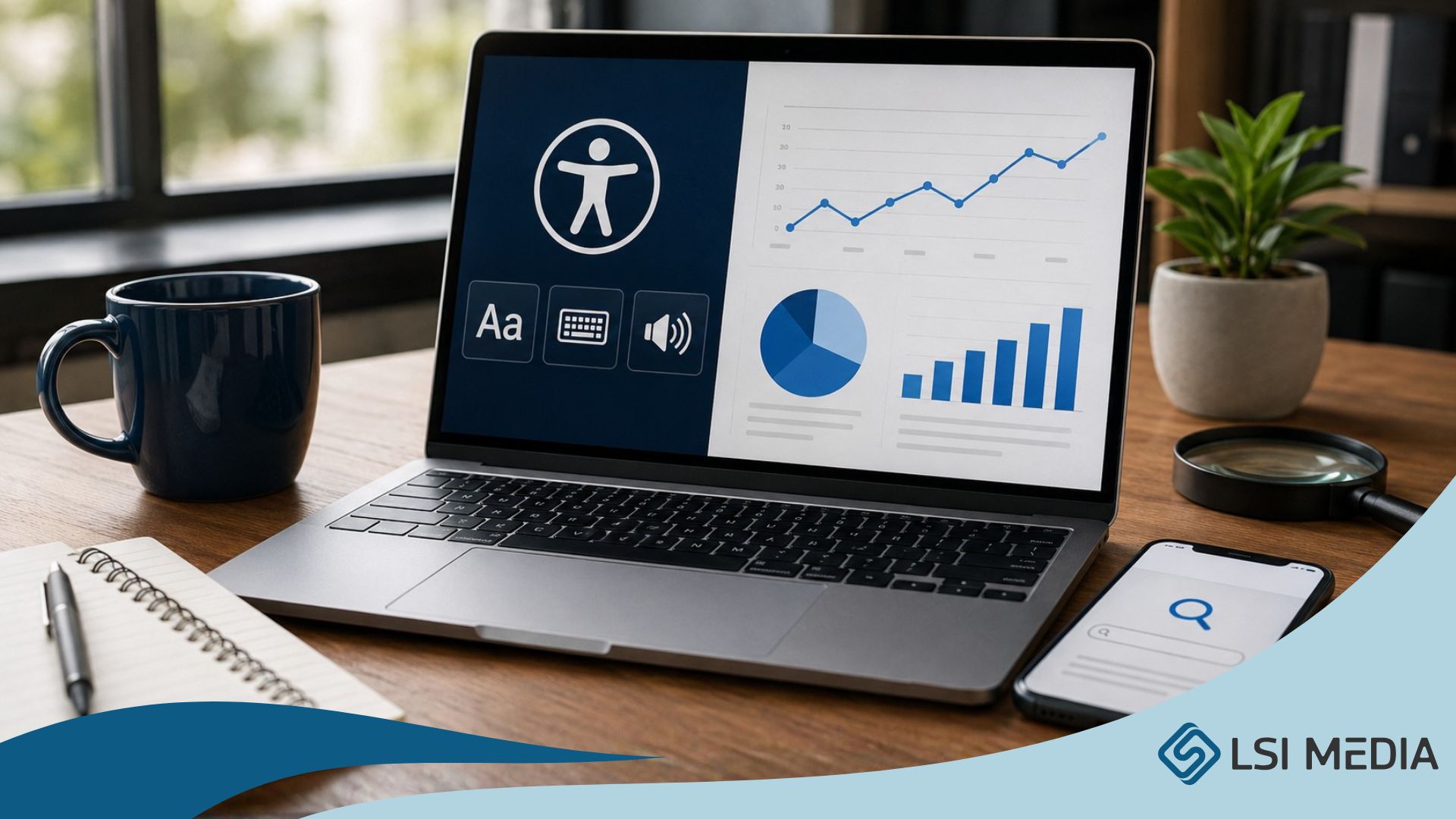
The SEO benefits of WCAG 2.1 AA compliance, and why the two are more connected than most agencies admit.
Most business owners ask the wrong version of this question. They ask whether accessibility helps SEO, as if accessibility is a separate add-on that might give them a small bonus. The better question is the opposite. Can you really have strong SEO in 2026 without an accessible site? The answer is increasingly no, and the reason has very little to do with checking a compliance box.
Accessibility and SEO share most of the same foundation: clean structure, descriptive content, predictable navigation, and code that communicates meaning clearly. When you build for one, you almost always strengthen the other. Search engines and screen readers are, in a real sense, looking at the same things.
Here is what we tell clients, what the research shows, and why this connection is becoming more important as AI search reshapes how people find information online.
The conversation we actually have with clients
Before the accessibility conversation even starts, there is usually a different one to have first. Many clients assume that SEO is automatically included in their web project, when in fact it often is not. So, one of the most important questions to ask any agency up front is simple: is full SEO included, and what does that mean exactly?
By full SEO, we mean real keyword research, an actual audience and content strategy, and ongoing work to keep that strategy current. Some clients have an existing keyword list to work from. Many do not, which means a complete strategy has to be built from scratch before the first page is written.
Once SEO is on the table, accessibility comes up next, and that is usually where the pushback lands. The honest pushback is about budget. Building to WCAG 2.1 AA standards adds real work on the development side. It starts before the first line of code. Image naming, page structure, color choices, design flow, and content hierarchy all have to be considered together. That work then feeds directly back into SEO, because the result is more structured, more descriptive content that both search engines and AI agents can actually parse and surface.
Where accessibility and SEO technically overlap
In hands-on work, the overlap is concrete, not theoretical. A few specific practices do most of the heavy lifting for both accessibility and search.
Heading structure
This is the single biggest overlap. Headings have to flow in order: one H1 per page, then H2s, then H3s under those, and so on. You cannot skip levels or use headings out of sequence just because a size looks right visually. Screen readers use heading order to let users navigate the page. Search engines use the same structure to understand the topic and hierarchy of the content. Get this wrong and both audiences struggle.
WCAG 2.1 Success Criterion 2.4.6 specifies that headings and labels should describe topic or purpose. W3C explains that descriptive headings let users predict what each section contains. That is exactly what an AI retrieval system needs in order to extract the right passage from a page.
Alt text for images
Every meaningful image needs descriptive alt text. The description should be precise, should reflect what the image actually communicates, and where it makes sense should include relevant keywords or the organization's name. Google's own image documentation states that descriptive alt text helps Google understand images, especially when images are used as links. That is the same description as a screen reader will read aloud.
One important nuance: not every image need alt text. Purely decorative images, the kind that exists only to add visual interest and carry no informational meaning, should have an empty alt attribute so screen readers can skip them. Knowing the difference is part of doing this work properly.
Buttons, links, and form fields
Buttons need proper labels. Links need descriptive text rather than vague phrases like "click here." Form fields need labels that match their purpose. All of this helps screen readers and keyboard users move through a page, and all of it also helps search engines and AI systems understand what each element is for and what action it triggers.
What a DHS Trusted Tester actually does on a project
LSI Media has DHS Section 508 Trusted Tester certified accessibility testers on staff. The DHS Trusted Tester program was developed by the Department of Homeland Security's Office of Accessible Systems and Technology as a standardized, manual testing process for evaluating Section 508 conformance. The current version, TTv5, requires approximately 70+ hours of coursework, and a certification exam scored at 85 percent or higher to pass.
What that means for a client is straightforward. From the very first step of a new website build, accessibility is built in rather than bolted on. Visibility, color contrast, naming conventions, image handling, and heading structure are all considered before code is written, not patched in at the end when something fails an audit.
During the build, a Trusted Tester works through both built-in tools and external testing tools to validate the work as it progresses. The tests cover questions like:
Does the site meet color contrast ratios?
Are naming conventions correct across headings, links, and buttons?
Do meaningful images have descriptive alt text, and are decorative images correctly marked as decorative?
Are form fields labeled correctly and in the right order?
Can the entire site be navigated with a keyboard alone, in a logical top-to-bottom flow?
Is there a skip-to-content link so visually impaired users can bypass repeated header content and get to the main information faster?
These are the kinds of details that someone without certified accessibility training tends to miss, especially on a tight timeline. The work is genuinely different when there is a Trusted Tester on the team from day one.
Does this actually move SEO numbers?
Yes, and the data is meaningful, but it should be framed honestly. Accessibility work tends to correlate with stronger SEO performance. It is not a magic switch that lifts rankings overnight, and Google itself has been clear about that.
Google's SEO Starter Guide states plainly that there are no secrets that will automatically rank a site first, and that changes to a site may take anywhere from a few hours to several months to be reflected in Search. Google recommends waiting a few weeks before assessing whether changes had a beneficial effect.
With that framing in place, the research is encouraging.
A study published by Accessibility Checker, in partnership with Semrush, analyzed 847 websites that had implemented accessibility remediation. The data covered organic traffic three months before and three months after the remediation was installed. The findings:
- 1
On average, organic search traffic across the 847 domains increased by 12 percent after accessibility remediation.
- 2
73.4 percent of sites saw an increase in organic traffic.
- 3
Of those, 66.1 percent saw growth between 1 and 50 percent, and 7.3 percent saw growth of more than 50 percent.
A separate case study from Level Access tracked Aramsco, a national supplier, after they addressed accessibility barriers on their site. Aramsco reported a 20 percent increase in time on site, bounce rates dropping from 35 percent to 20 percent, and a 12 percent increase in returning customers. Aramsco's Director of Website Development noted that pages began appearing on the first page of search results organically, for queries they had not paid to target.
It is worth saying again: these are observed patterns in published case studies. They are not guaranteed. But the pattern is consistent enough across enough sites that the connection between accessibility work and SEO performance is hard to dismiss.
Why accessibility is now central to AI discoverability
This is the part most agencies are not talking about yet, and it is changing fast. AI answer engines like ChatGPT, Claude, Perplexity, and Google's AI Overviews are increasingly how people find information. To be cited or quoted by these systems, a page generally needs four things:
Access. The page has to be crawlable or retrievable.
Understanding. The structure has to make the topic, entities, and relationships clear.
Trust. The content should show authorship, source support, dates, and consistency.
Extractability. The relevant answer should be easy to pull from the page without ambiguity.
Accessibility work supports points 2 and 4 directly and often supports 3 indirectly. The same descriptive headings that help a screen reader user predict what is in a section also act as labels that help an AI retrieval system find and quote the right passage. Descriptive alt text and clearly labeled controls preserve meaning that would otherwise be invisible to text-based extraction. Visible facts that line up with structured data give machines explicit, trustworthy information to pull from.
Google's own guidance on structured data is consistent with this: structured data should describe content that is actually visible on the page. The machine-readable layer and the human-readable layer need to be matched. Accessibility is one of the most reliable ways to make sure they do.
What we usually find on an existing site
When a client brings us a site that was not built with accessibility in mind, the SEO is rarely broken. It is underperforming.
The site may still rank for branded searches, referrals, or a few long-standing pages. But once we audit it, search engines and users are usually dealing with the same friction: unclear structure, thin or hard-to-parse content, missing context around images and links, slow pages, and templates that were designed visually but not semantically.
In practical terms, Google can crawl the site, but it does not understand the content as well as it could. Users can access the site, but not everyone can navigate it easily. AI systems can find the page, but they often cannot extract the right answer, service, location, or proof point cleanly.
The most common technical problem is poor semantic structure: missing or messy headings, vague link text, image-based content without meaningful alt text, and navigation elements that are not properly labeled. That one issue hurts accessibility and search performance at the same time, because both audiences depend on the same signals to understand what is on the page.
The wider business case
Clients are often surprised by how far the benefits of accessibility reach beyond compliance. The same fixes that help someone using a screen reader also tend to improve:
Forms, navigation, and mobile usability
Page structure and SEO
Conversion paths and donation flows
Eligibility for government, education, and nonprofit funding opportunities that increasingly require accessibility commitments
Legal exposure under the ADA and similar regulations
Brand trust, especially among audiences who notice when a site is hard to use.
Support load, because fewer users get stuck and need help
None of these are theoretical. Each one is a real outcome of building a site that is structured well, written clearly, and tested by people who know what to look for.
The mindset shift
If you take one thing away from this, take this:
Accessibility is not a compliance layer added after SEO. It is part of the structure that helps people, search engines, and AI systems understand what your site offers and why it matters.
Treat it as a separate line item, and you end up with a site that does the legal minimum and underperforms in search. Treat it as part of the same foundation as SEO, content, and design, and you build something that works harder for your audience and your business at the same time.
Want a site that gets this right?
LSI Media builds and audits websites with DHS Section 508 Trusted Tester certified accessibility specialists on staff. If you want to know how your current site is performing on accessibility and SEO together, or if you are starting a new build and want it done right from the start, book a discovery call or take a closer look at our services.
Sources
Google Search Central, SEO Starter Guide. “There are no secrets here that will automatically rank your site first in Google” and guidance on timing of ranking changes. developers.google.com/search/docs/fundamentals/seo-starter-guide
Accessibility Checker / Semrush study (2023). Analysis of 847 domains showing an average 12 percent increase in organic traffic after accessibility remediation; 73.4 percent of sites saw an increase. accessibilitychecker.org/research-papers/accessibility-seo-impact-study/
Level Access case study, Aramsco. 20 percent increase in time on site, bounce rates from 35 percent to 20 percent, 12 percent increase in returning customers after accessibility remediation. levelaccess.com/resources/how-aramscos-commitment-to-compliance-boosted-seo-and-website-performance/
W3C, Understanding WCAG 2.4.6 Headings and Labels. w3.org/WAI/WCAG21/Understanding/headings-and-labels.html
U.S. Department of Homeland Security, Trusted Tester Program. dhs.gov/trusted-tester and section508.gov/test/trusted-tester/
Google Search Central, structured data guidelines. developers.google.com/search/docs/appearance/structured-data/intro-structured-data































































































































![How COVID-19 Changed the Way We Think About Office Technology [New Research]](https://www.lsi-media.com/wp-content/uploads/2020/12/5183-8616-OfficeTechnology_8XhtV1.jpg "How COVID-19 Changed the Way We Think About Office Technology [New Research]")